
Automate repetitive work. Focus on what matters.
Design logic without complexity. Chatter automation runs in the background so your team only handles the conversations only humans can.

Automation Solves
- Missed follow-ups
- Inconsistent tagging
- Repetitive manual replies
- Slow routing
- Manual segmentation
- Missed follow-ups
- Inconsistent tagging
- Repetitive manual replies
- Slow routing
- Manual segmentation
- Missed follow-ups
- Inconsistent tagging
- Repetitive manual replies
- Slow routing
- Manual segmentation
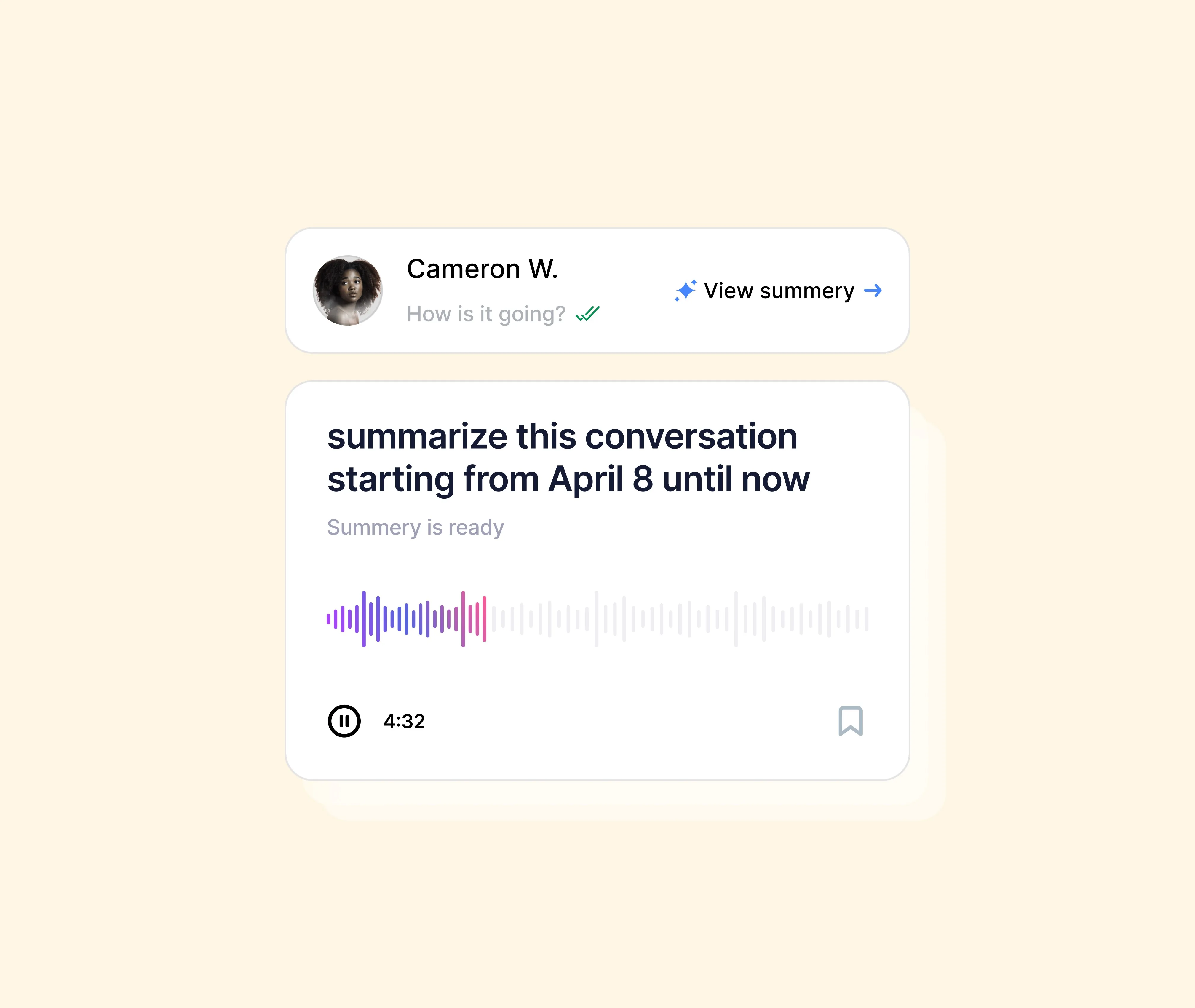
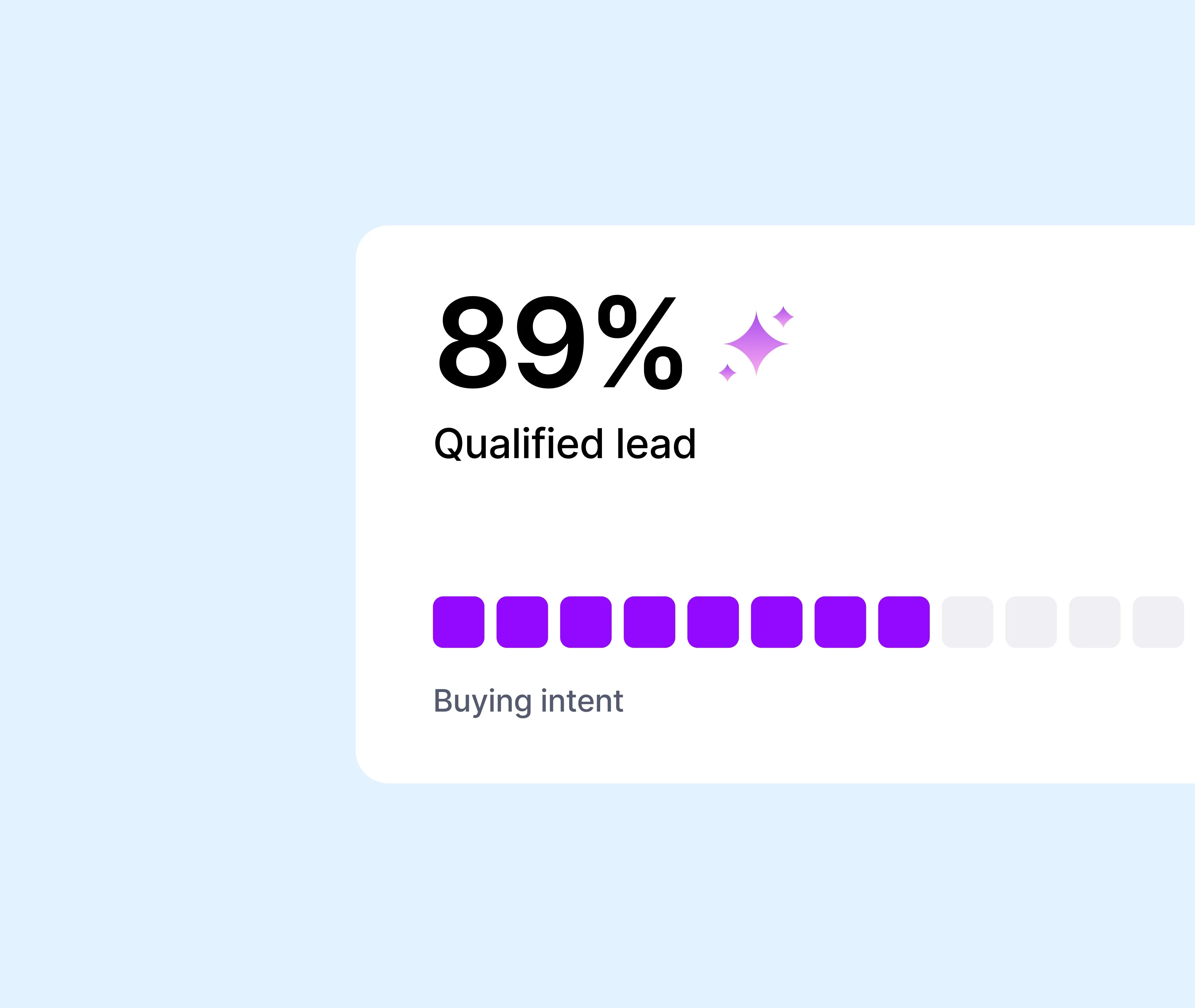
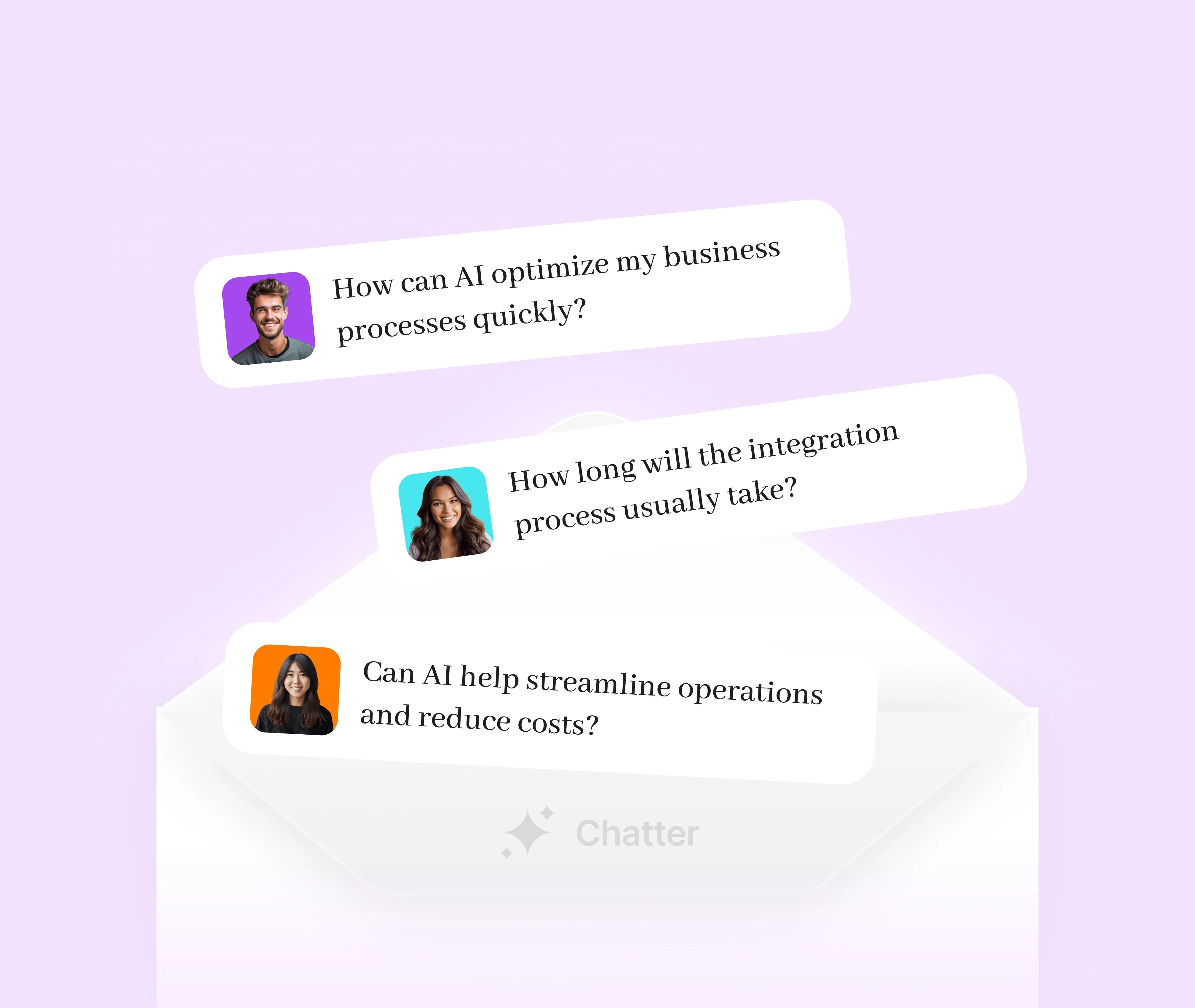
Teams in Chatter
Conversations Managed
Automations Completed
AI agents assigned to chats
Automation that runs in the background
Mobile-ready flows, smart routing, and clean handoffs — without engineering.
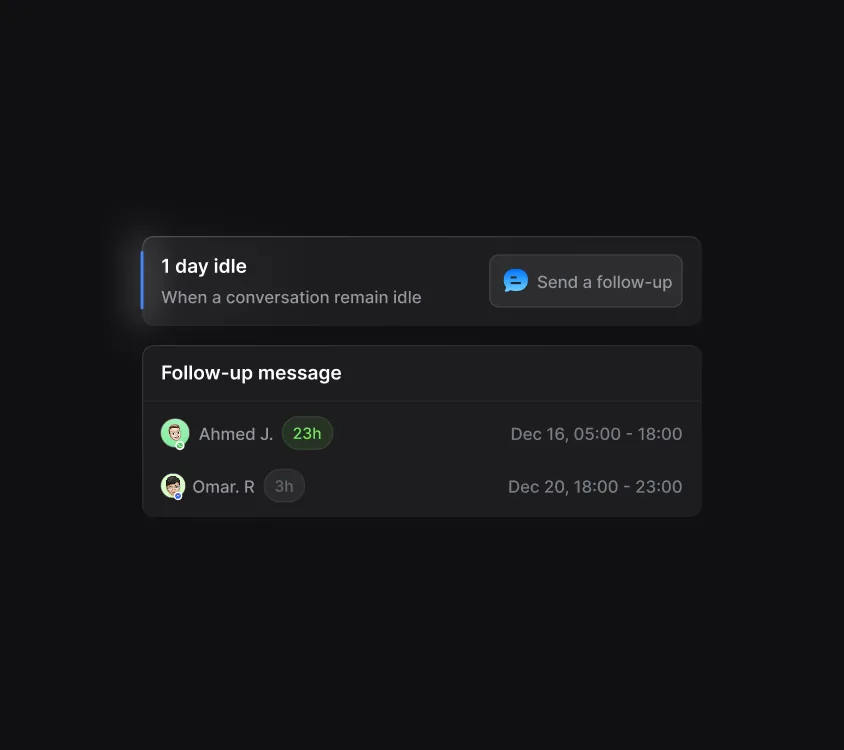
Act instantly when conditions are met
Automatically assign conversations, apply tags, send messages, or notify team members the moment specific criteria are triggered.
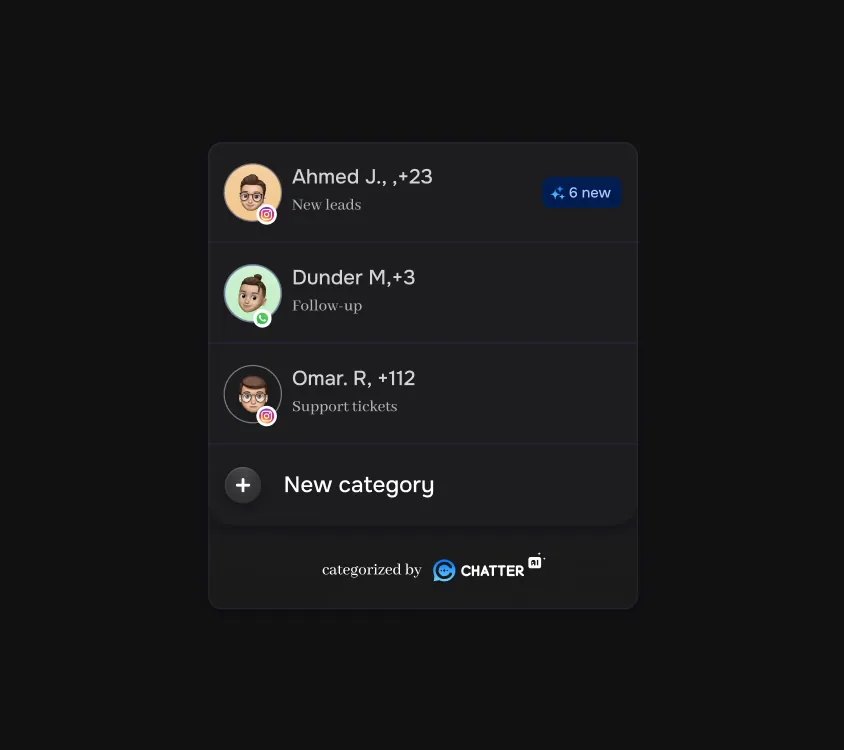
Segment conversations
Categorize customers dynamically based on behavior, intent, or profile.
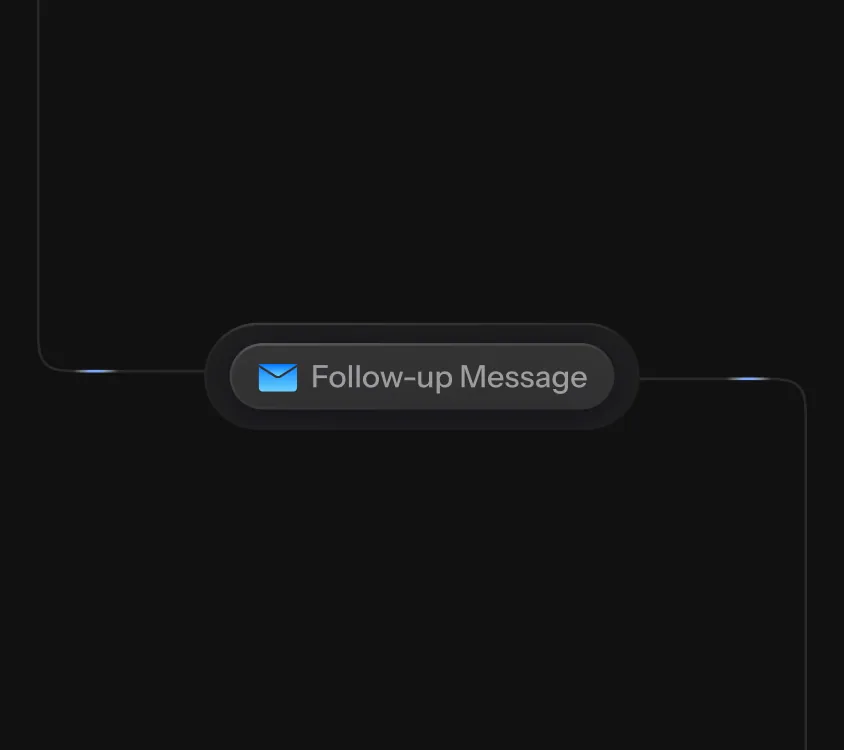
Never miss a follow-up
Schedule reminders or automated check-ins when conversations go inactive.
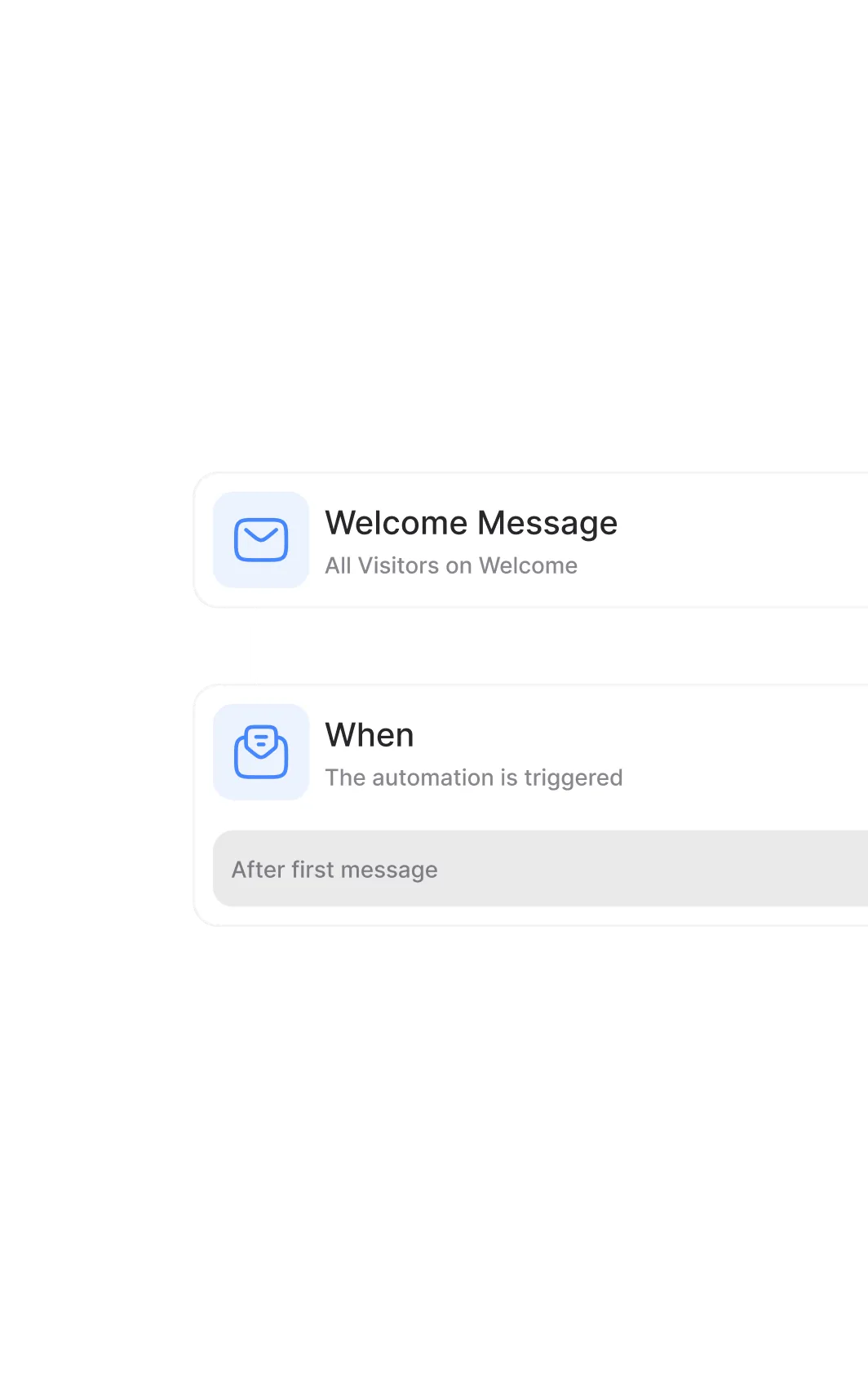
Design logic without complexity
Create automation flows using triggers, conditions, and actions. Set rules based on keywords, customer attributes, channels, or behavior.
Automation in action.
See how structured workflows reduce manual effort, eliminate delays, and keep conversations moving
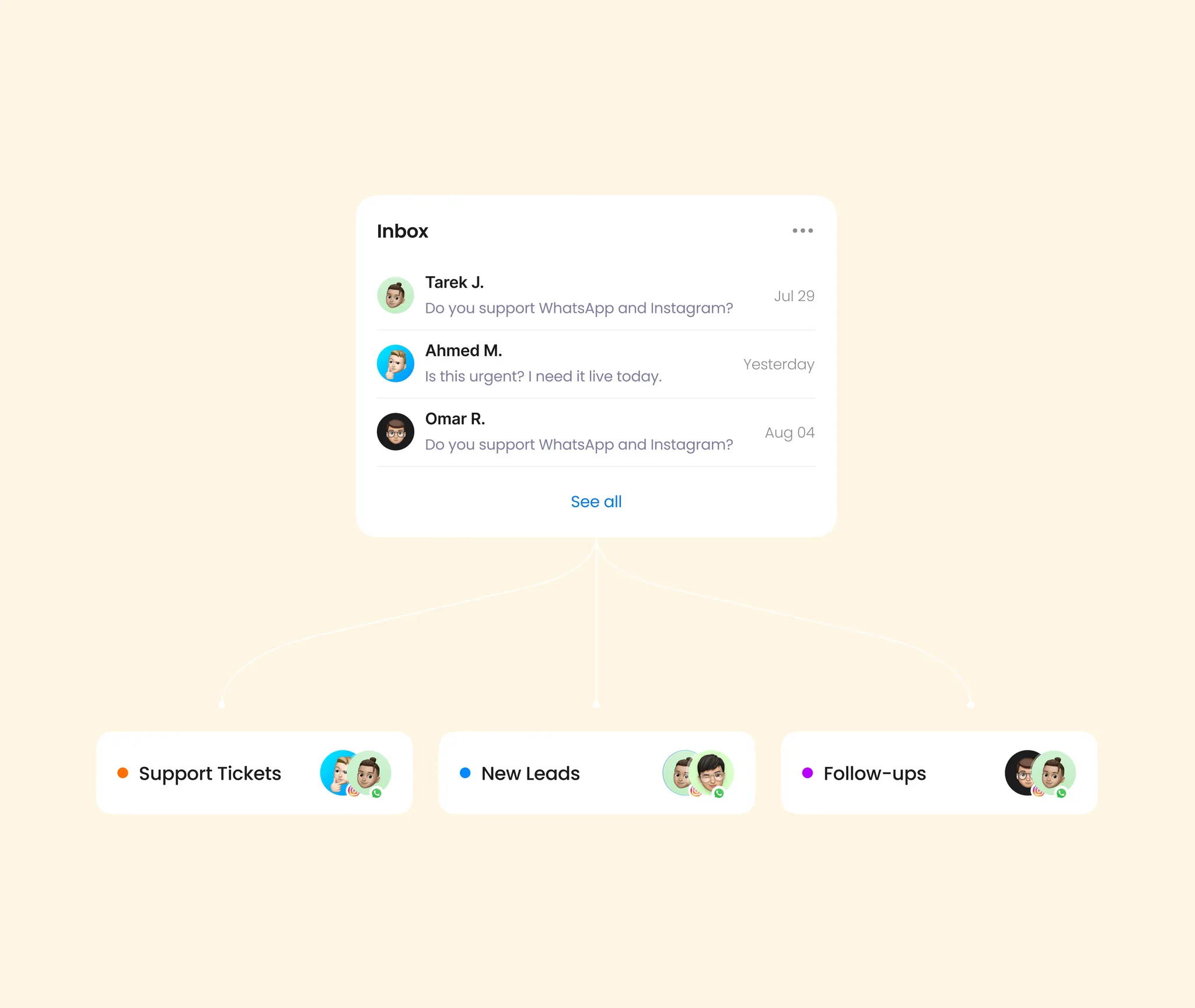
Where automation pays for itself
Customer support
Auto-categorize, route to the right queue, and send instant acknowledgements.
Lead management
Qualify, enrich, and route inbound leads without a single manual step.
Order management
Send order updates, recover carts, and follow up on reviews automatically.
Internal operations
Create tickets, sync to your CRM, and notify Slack on the events that matter.
Pair automation with the rest of Chatter
Unified Inbox for human handoff
When automation hits the limit of what flows can do, conversations land in the team inbox with full context.
Learn moreAI agents inside your flows
Trigger AI replies as steps in any automation — handoff to a human only when it's needed.
Learn moreBroadcast with reply automation
Send a WhatsApp campaign, then auto-route every reply based on intent — no manual triage.
Learn moreChatter is a unified customer-conversation platform that brings WhatsApp, Instagram, Messenger, Telegram, and live web chat into a single shared inbox with AI agents, automation, and analytics. TikTok is coming soon and is not yet available.
Chatter supports WhatsApp Business (official Cloud API), Instagram Direct, Facebook Messenger, Telegram, and a live web chat widget, with new integrations added on request. TikTok is coming soon and is not yet available.
Yes. Chatter is a verified Meta Business Partner and connects natively to the official WhatsApp Business API for approved business numbers, message templates, and delivery analytics.
The Unified Inbox brings every customer conversation into one organized screen, threaded by contact with clear ownership, internal notes, and fast keyboard-first navigation.
Chatter AI Agents classify intent, draft on-brand replies, triage conversations, and either suggest replies for agents or autonomously handle FAQs until escalation is needed.
Yes. Teams work from a shared inbox with assignment, status tracking, internal notes, and collaboration features to prevent duplicate replies.
Yes. Chatter provides native iOS and Android apps that let teams reply, assign, and follow up from anywhere.
Chatter integrates with Shopify, HubSpot, Odoo, and Zoho CRM, and offers a public REST API, Zapier-compatible webhooks, Form Webhooks, plus automation for auto-assigning, tagging, and triggering workflows.
Ready to bring every conversation into one place?
Book a 20-minute demo. We'll show you Chatter on a real inbox and quote the right plan for your team.